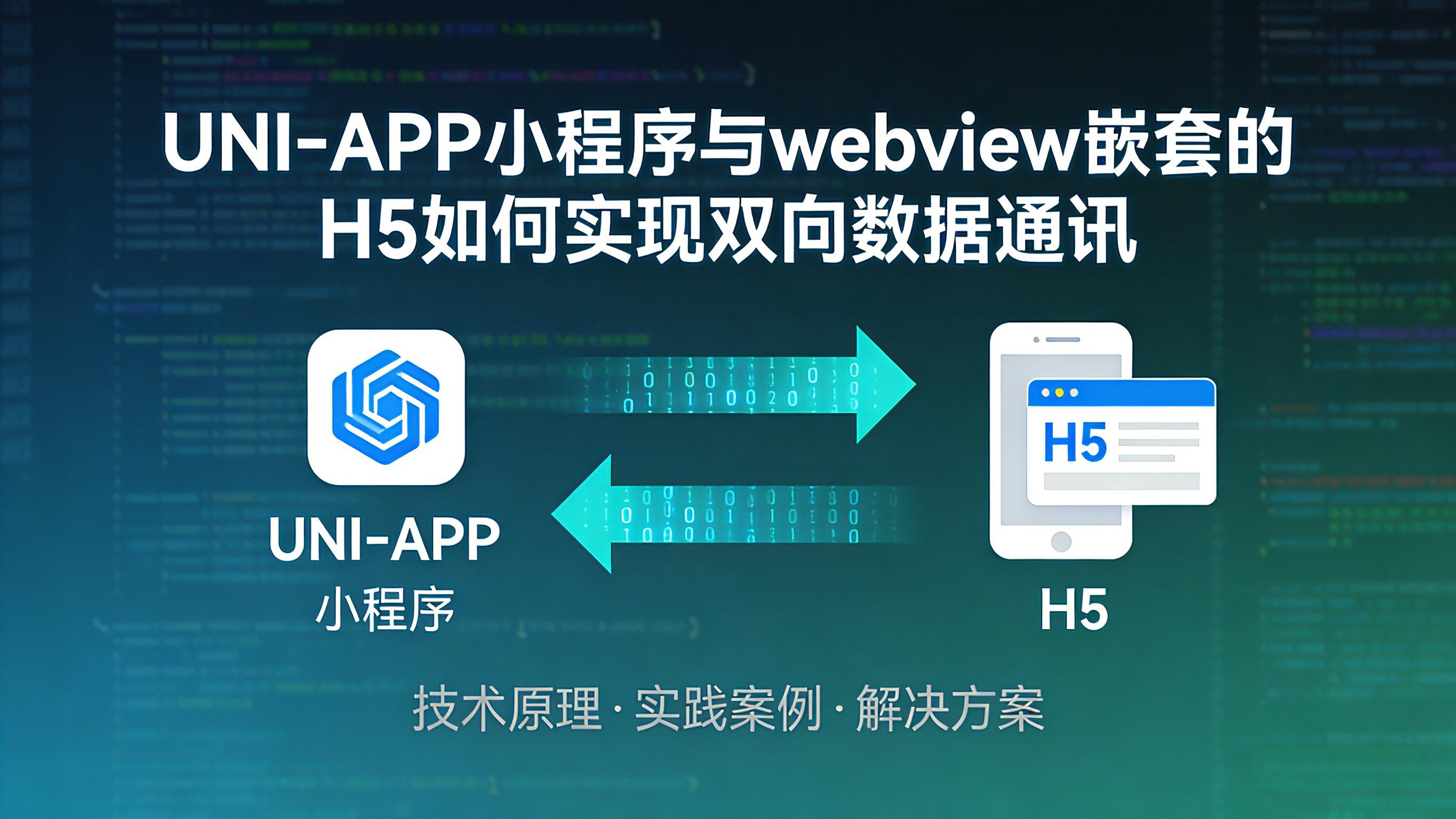

引言
uniapp小程序本质上也是一个H5应用,只不过被编译成了一个小程序,就跟微信小程序的本质上是差不多的;数据通讯可以参考H5的数据通讯,使
postMessage进行双向数据通讯;本文都VueJS写法作为实例,实际上可以根据对应的技术栈进行对应的处理;Vue3的写法,后续会发文章进行处理
前置条件
H5页面需要接
uni.webview.js-1.5.6
H5页面需要在Window对象上挂载一个接收消息的函数
H5页面
<template>
 <button @click="sendMsgToMiniApp">发送消息给小程序容器</button>
</template>

<script>
export default {

  mounted() {
    this.init();
  },
  methods: {

    init() {
      this.initReciveMsgEv();
    },

    initReciveMsgEv() {
      window["getMessageFromMiniPro"] = (msgInfo) => {
        // 对消息执行处理
      }
    },


    sendMsgToMiniApp() {
      const msgInfo = {} // 消息内容
      // 执行消息发送给uniapp小程序
      uni?.webView?.postMessage(msgInfo);
    }
  }
}
</script>
uniapp 小程序页面
<template>
 <webview src="YOUR PAGE URL" @message="getMsgFromH5Page($event)" id="webviewCom"></webview>
</template>

<script>
export default {
  data() {
    vmInfo: {}
  },
  mounted() {
    this.init();
  },
  methods: {

    init() {
      // 初始化实例信息,等下发送消息给H5页面时需要使用到
      this.initVMInfo();
    },

    initVMInfo() {
      // 此处有坑点,需要识别当前是否为鸿蒙设备,鸿蒙设备的实例信息获取不一致
      if (isHarmonyOS) {
         this.wvInfo = createWebviewContext("webviewCom", this);
         return;
      }
      this.wvInfo = this?.$scope?.$getAppWebview() ? this.$scope.$getAppWebview().children()[0] : "";
    },

    /**
     * @description: 接收H5页面发送过来的消息内容
     */
    getMsgFromH5Page(event) {
      const msgInfo = event.data;
      // 打印消息内容
      console.log(msgInfo)
    },

    /**
     * @description: 发送消息给H5页面
     */
    sendMsgToH5Page() {
     const msgInfo = JSON.stringify({
       data: {} // 消息内容
     })
     // getMessageFromXybMiniPro H5在window上挂载的一个接收uniapp小程序发送消息的函数
     // msgInfo需要JSON.stringify一下,否则无法执行发送动作,只能传递String类型的消息
     this.wvInfo.evalJS(`getMessageFromMiniPro(${msgInfo})`)
    }
  }
}
</script>
注意事项
WEBVIEW组件必须绑定一个ID值,鸿蒙设备执行事件发送时,必须依赖ID创建的上下文
H5执行消息发送时必须使
uni.webView.postMessage不能使uni.postMessage否则会导致uniapp小程序无法接收到消息uni.webview.js 必须是1.5.6的版本,否则uniapp小程序也无法接收到消息内容