
在开发uni-app的wgt应用时,遇到一个需求,需要调用方法,并插入一个自定义弹窗,弹窗内容需要动态展示一个网页;在遇到这个需求的第一时间,想到的是“WGT应用不是一个传统的HTML应用,没有DOM节点的概念的呀,这可咋实现呢”
调研
在使用了无数的JS方法,进行DOM节点查询/插入皆无法达到预期的时候,突然灵光一闪,咦,好像有个API -
$getAppWebview,可以获取到当前实例的上下文,它本身也是一个HTML应用编译过来的,按理来说,是有法子的,说干就干!
探索
先行定义一段DOM节点(最基础的),使用uni-app的官方API -
$getAppwebview进行插入DOM节点试试
let jsCode = `
let dialogInfo = document.createElement("div");
dialogInfo.style.cssText = "width:100vw;height:200px;background:#000000;position:fixed;top:0;left:0";
document.body.appendChild(dialogInfo)
`
let pages = getCurrentPages()
if (pages.length > 0) {
  let pageInstance = pages[pages.length - 1]
  let viewInfo = pageInstance.$getAppWebview()
  if (viewInfo) {
    viewInfo.evalJS(jsCode);
  }
}
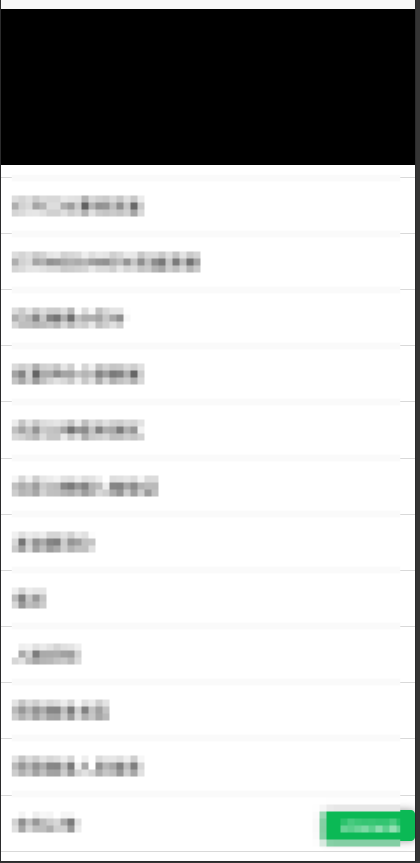
效果图:
进阶
在确定方案可行后,开始去实现需求了,把DOM插入、样式处理进行升级&优化
const jsCode = `
        function insertDialogDOM() {
          var dialogInfo = document.createElement('div');
          dialogInfo.className = 'xyb-agent-dialog';
          var dialogContent = \`
           <div class="xyb-agent-dialog-main">
             <div class="xyb-agent-dialog-body">
              <iframe src="https://www.baidu.com" frameborder="0"></iframe>
             </div>
             <div class="xyb-agent-dialog-footer">
              <div class="xyb-agent-dialog-btn cancel">取消</div>
              <div class="xyb-agent-dialog-btn confirm">确定</div>
             </div>
           </div>
          \`;
          dialogInfo.innerHTML = dialogContent;
          document.body.appendChild(dialogInfo);
        }

        function insertStyleInfo() {
          var style = document.createElement('style');
          style.innerHTML = \`
            .xyb-agent-dialog {
              top: 0;
              left: 0;
              z-index: 100;
              width: 100vw;
              height: 100vh;
              position: fixed;
              background-color: rgba(0,0,0,0.35);
              &.is-hide {
                z-index: -1;
                opacity: 0;
                .xyb-agent-dialog-main {
                  z-index: -2;
                  opacity: 0;
                }
              }
            }
            .xyb-agent-dialog-main {
              left: 0;
              z-index: 101;
              width: 100vw;
              height: 200px;
              bottom: -200px;
              position: fixed;
              background: #FFFFFF;
              border-radius: 8px 8px 0 0;
              transition: bottom 0.2s ease-out;
              &.is-show {
                bottom: 0;
              }
            }
            .xyb-agent-dialog-body {
              width: 100vw;
              height: 159px;
              overflow-y: auto;
              overflow-x: hidden;
              border-bottom: 1px solid #DEDEDE;
            }
            .xyb-agent-dialog-footer {
              width: 100vw;
              height: 40px;
              display: flex;
              align-items: center;
              justify-content: center;
            }
            .xyb-agent-dialog-btn {
              height: 28px;
              font-size: 12px;
              padding: 0 10px;
              margin: 0 10px 0;
              line-height: 28px;
              background: #FFFFFF;
              border: 1px solid #DEDEDE;
              border-radius: 4px 4px 4px;
              &.confirm {
                 border-color: #1890ff;
              }
            }
          \`
          document.head.appendChild(style);
        }

        function closeBtnClick() {
          const cancelBtn = document.querySelector('.xyb-agent-dialog-btn.cancel');
          const main = document.querySelector('.xyb-agent-dialog')
          cancelBtn.addEventListener('click', () => {
            moveDialogIntoBottom();
            setTimeout(()=>{
              main.classList.add('is-hide');
            }, 100);
          })
        }

        function setDialogIntoBottom() {
          setTimeout(()=>{
            var targetElement = document.querySelector('.xyb-agent-dialog-main');
            if (targetElement) {
              targetElement.classList.add('is-show'); // 替换为你想要添加的类名
            }
          }, 100);
        }

        function moveDialogIntoBottom() {
          var targetElement = document.querySelector('.xyb-agent-dialog-main');
          if (targetElement) {
            targetElement.classList.remove('is-show'); // 替换为你想要添加的类名
          }
        }

        function checkDialogInfo() {
          console.log("🚀执行弹窗信息检测")
          var dialog = document.querySelector('.xyb-agent-dialog');
          if (!Boolean(dialog)){
            insertStyleInfo();
            insertDialogDOM();
            closeBtnClick();
            console.log("🚀弹窗信息不存在,执行DOM插入&样式插入")
          } else {
            console.log("🚀弹窗信息已存在,执行is-hide样式类移除")
            moveDialogIntoBottom();
            dialog.classList.remove('is-hide');
          }
          setDialogIntoBottom();
        }
        checkDialogInfo();
    `
    var pages = getCurrentPages()
    if (pages.length > 0) {
      let pageInstance = pages[pages.length - 1]
      let webView = pageInstance.$getAppWebview()
      if (webView) {
        webView.evalJS(jsCode);
      }
    }
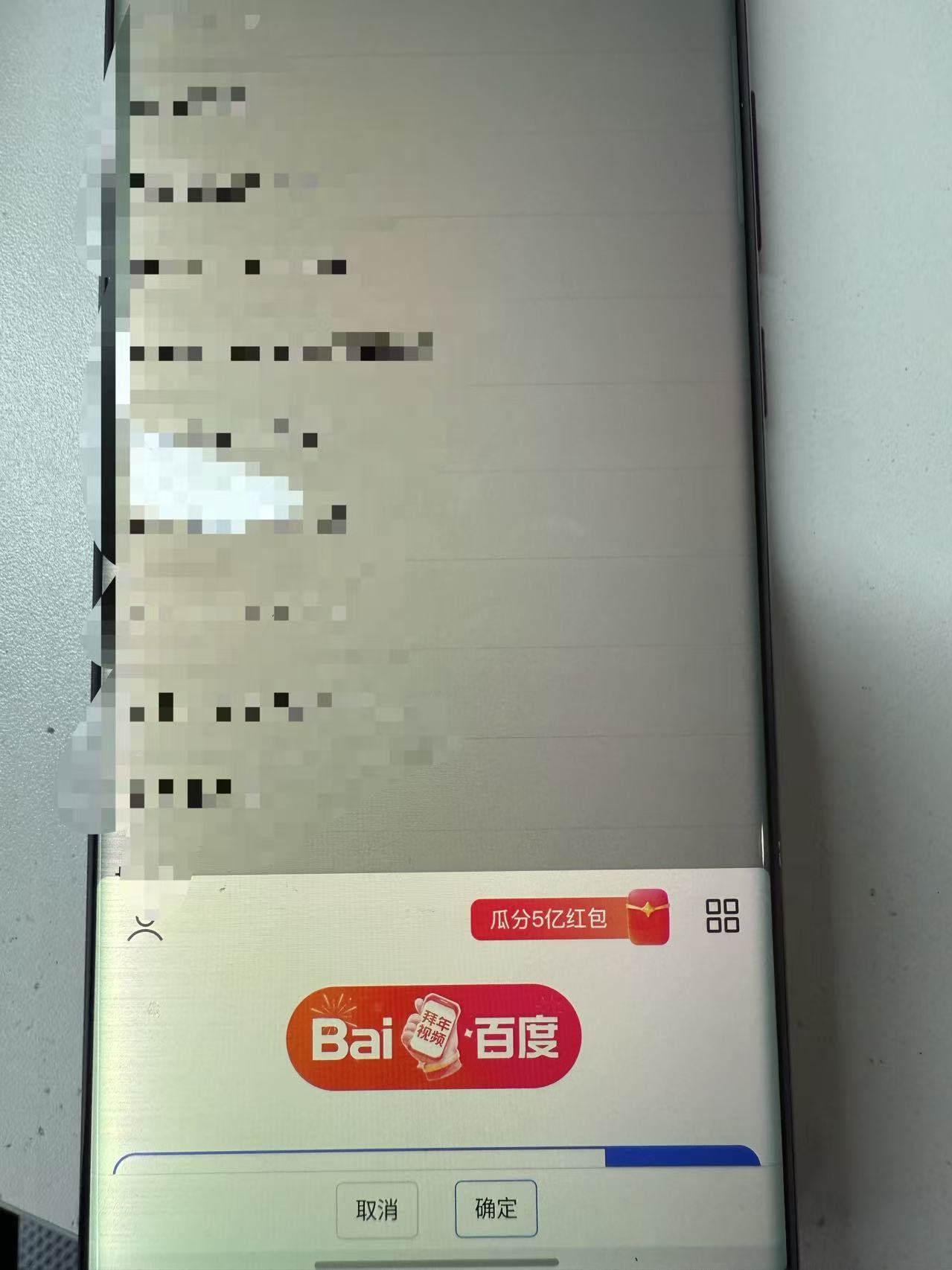
效果图
结语
遇到难搞的需求,先不要慌,透过现象看本质,问题在哪,有没有解决方式,找到解决方式后,想一想,是不是可以更优雅的去实现